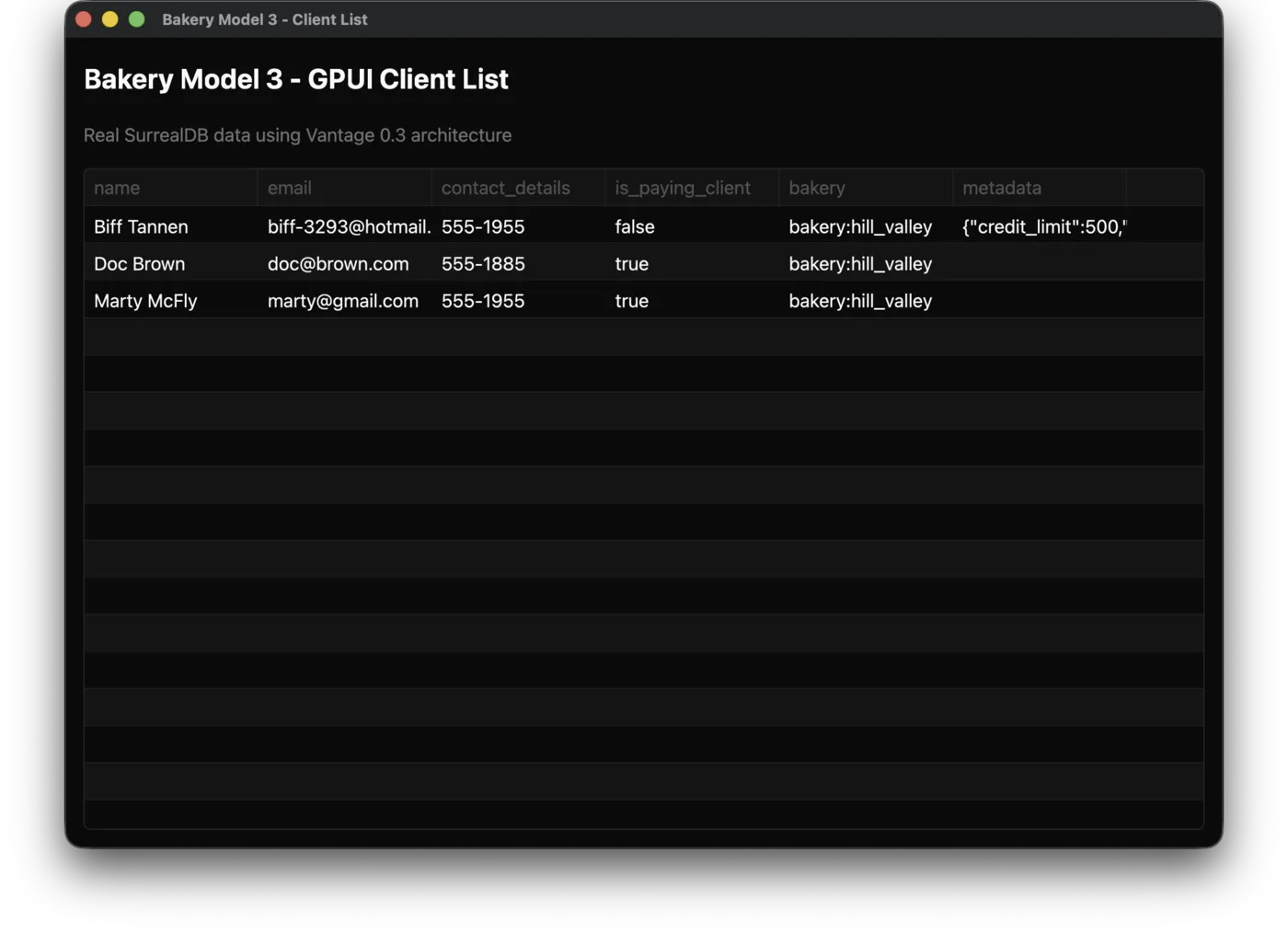
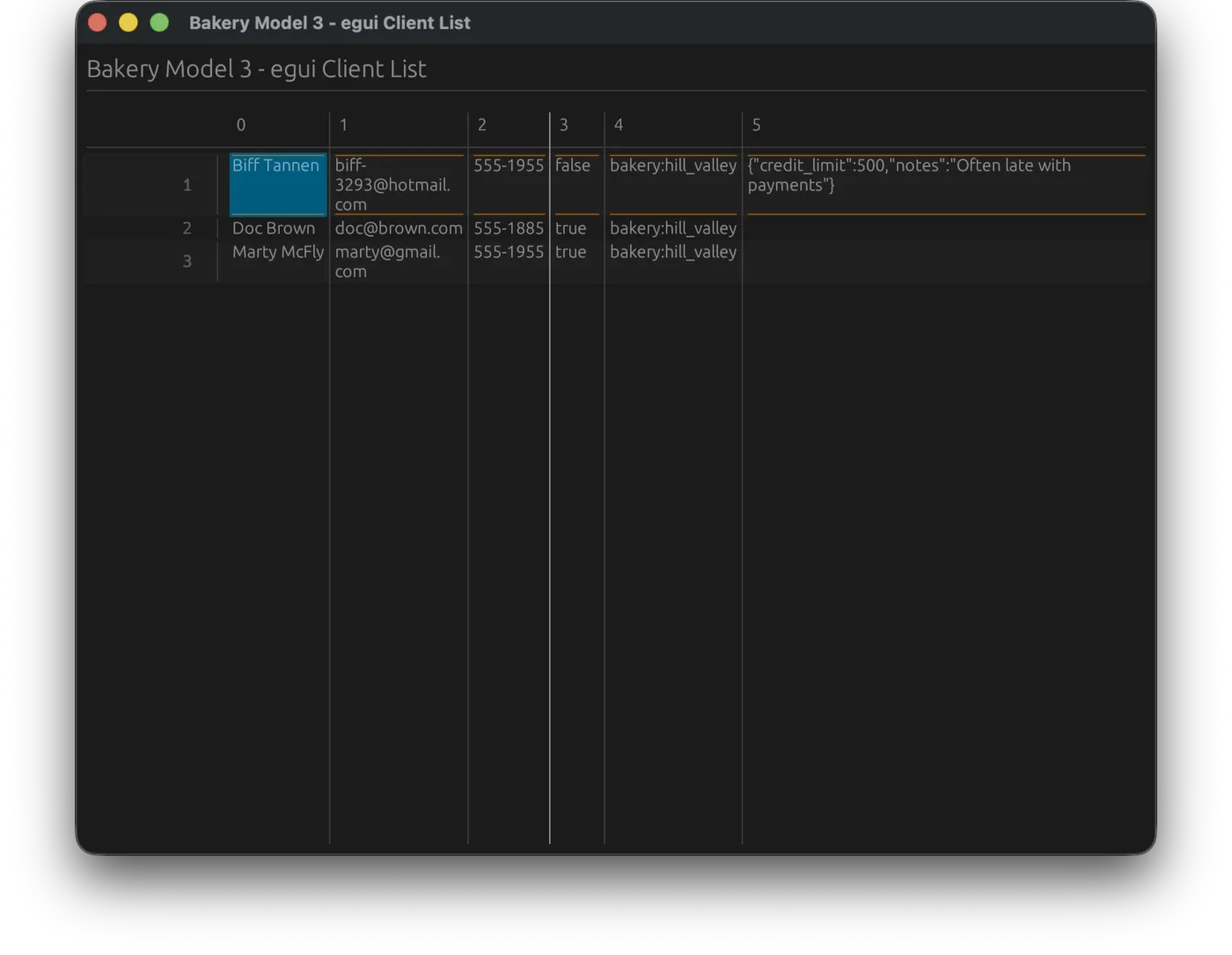
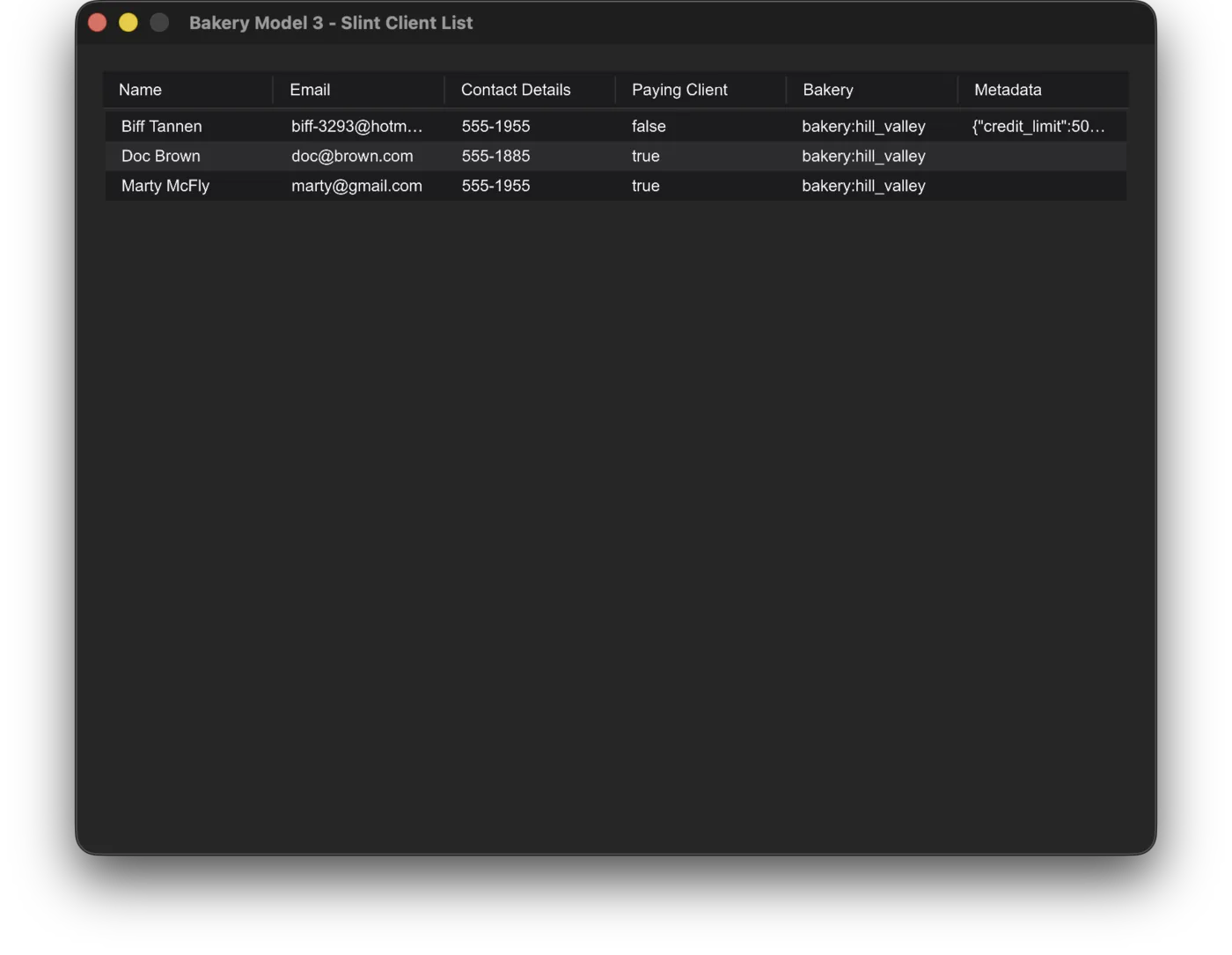
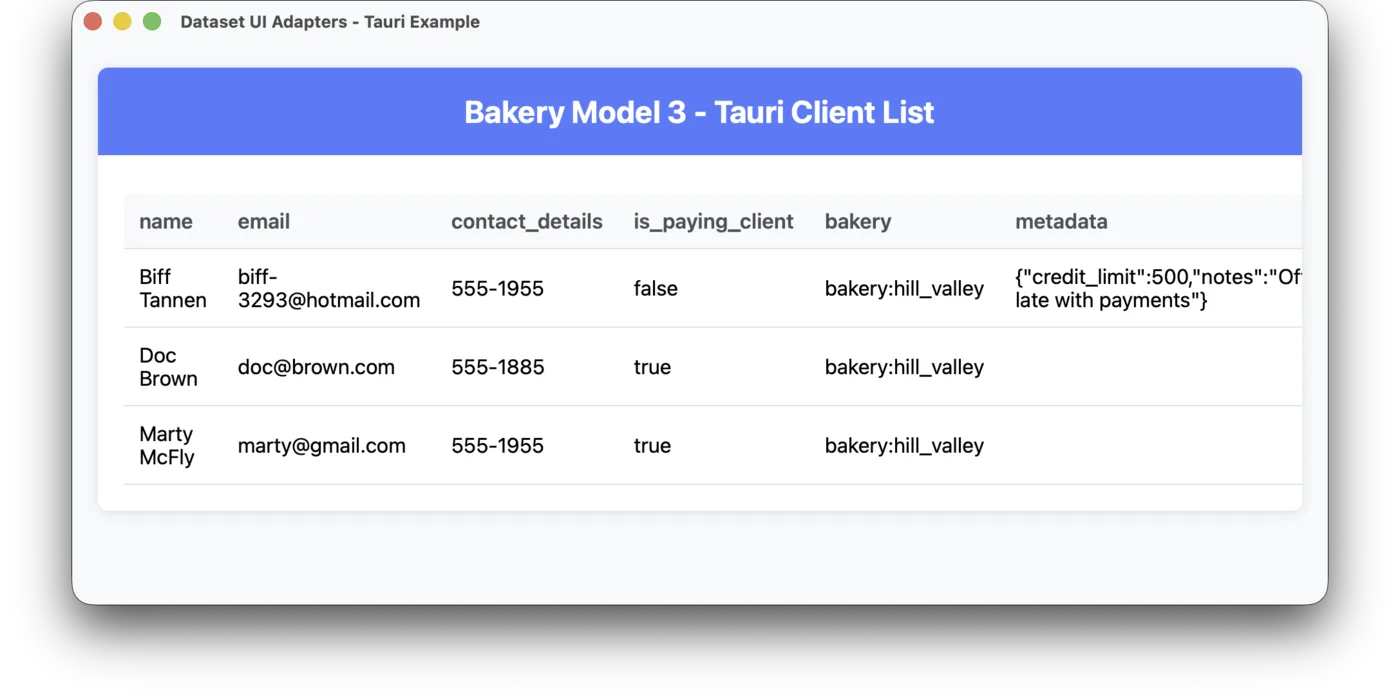

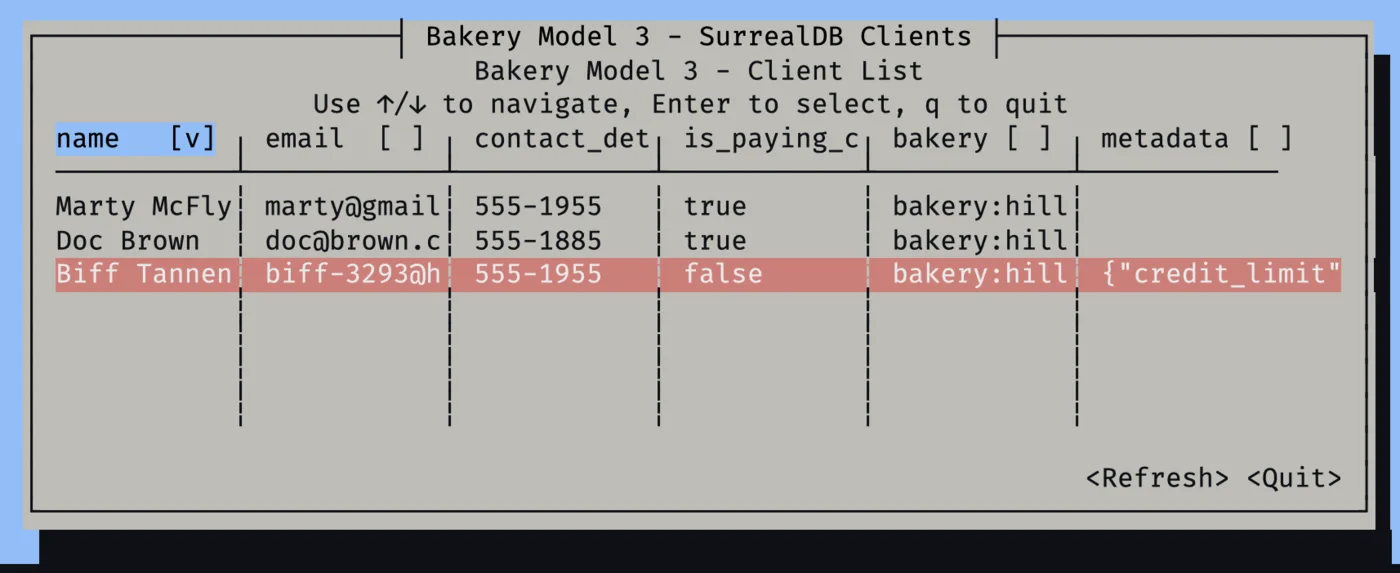
The generic UI, a widget capable of automatically adapting to your data format, without explicit configuration or code.
Thirty-five years of programming, then one of writing code with AI🔗
AI-generated code doesn't follow this principle, and I think there are two reasons. First, an LLM doesn't see the big picture and doesn't future-proof your app. Second, it's not really in the LLM provider's interest to save you effort, or tokens, in the long run.
Programmers' collective push for efficiency gave us CSS frameworks, MVC frameworks and API standards. How many standards or frameworks has your LLM introduced on its own initiative? It has never happened to me. On the contrary, my codebases end up with four or five parallel implementations of the same mechanism.
What drives me in Vantage is teaching coding agents to follow patterns. My previous post explained how the Vantage framework builds patterns for data sources, business entities and working with data. A unified standard in the data abstraction layer opens a window for generic UI systems, literally. Vantage UI is that window.
If you are building a critical business application, just like me, you would want to feel in control, a feeling LLMs often deprive us of. You want to be sure the underlying implementation is efficient and accountable. While apps like Zed and Cursor race to build new ways to control agents, Vantage UI is a way to see what they've built before it becomes a cog in your enterprise machinery.
Why is generic UI important?🔗
When Claude 4 came out, I decided to rewrite my admin system in React. The first screen was great, and the UI was stunning. I asked to add search and sort, and it looked lovely. But gradually the admin panel became slower. Introducing pagination was a major refactor, search conflicted with sort, and I had to go through those major rewrites on every page.
Somehow I was spending 90% of my time on technical bugs. I would have been better off with a generic CRUD solution, but the ones my agent could find were commercial products, too heavy for a minor use case like mine.
In retrospect, I realise that my admin implementation had to be defined by three things:
- the shape of my data, informing columns, labels and formatting options;
- the capabilities of my backend or API, enabling features like search, ordering or pagination;
- theme, placement and tweaks, based on situational requirements.
My failed admin shuffled all my requirements into the third category. Claude was never brave enough to speak up or suggest changing the API or the data model.
A generic and feature-rich CRUD solution would have saved me weeks!
Vantage UI 0.4: the first UI CRUD🔗
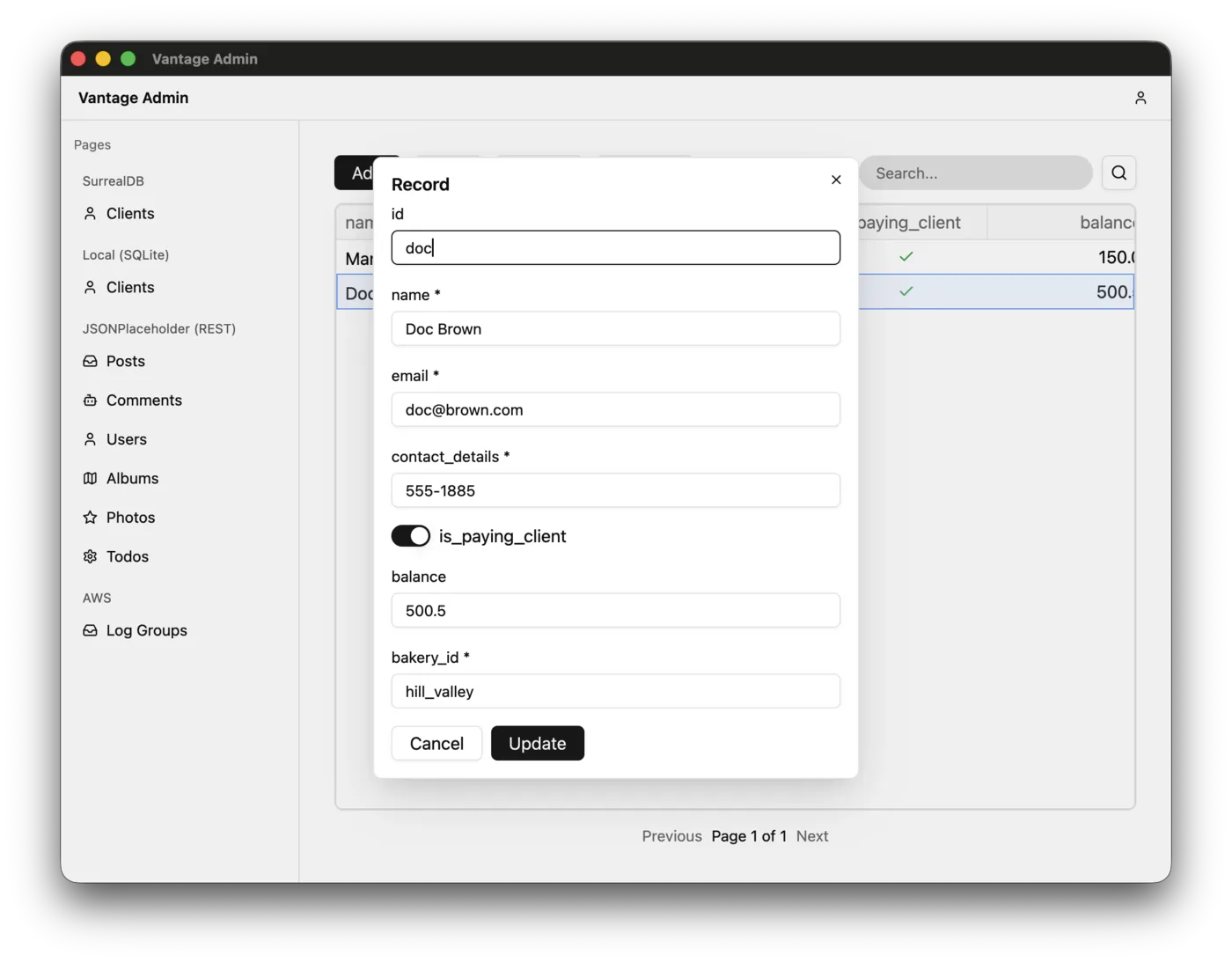
CRUD stands for create, read, update and delete, the four main operations you would do with your generic data records. A VistaVista A universal handle on one table from any data source. It knows the columns, their types and what the source can do, so a generic grid or form can work with it without knowing your database.Read the docs → in Vantage carries meta-information about columns, types and capabilities, and can retrieve data, so our first prototype of Vantage UI was capable of doing all four (regardless of whether the backend was SurrealDB, SQLite or an API).
We focused the first builds on converging the diverse types used in various backends into a standard set of UI elements, such as presenting boolean values with a flip switch.
The whole DioramaDiorama A live local copy of part of your data, kept between a Vista and the screen. Reads come from the copy instead of the network, and it can add sorting or search the source itself lacks.Read the docs → machinery didn't exist yet, and as a result the UI was laggy: a beach ball while a record was loading or paginating was a common thing.
Vantage UI: a real-time desktop app🔗
Building Vantage as an AI-first low-code tool made me look at the market from a new angle. Who is Vantage UI for? An AI agent, with a human watching. So every decision we make and every feature we add has to give that agent more agency, and that human more confidence.
Given that realisation, we wrote down what we owe our users:
Between versions 0.4 and 1.0, Vantage UI saw 38 releases, each focused on strengthening those fundamentals. With them, we plan to redefine the market rules for low-code apps, with:
The skills
25
skills with 127 reference guides, bundled with the app and refreshed when Vantage is upgraded
The controls
8
fully specified YAML schemas, one for each part of an application: pagepage A YAML file describing one screen of the app: the grids, charts, forms and other components on it, and the tables they show., tabletable A YAML file describing one table from a data source: its columns, their types, how it relates to other tables and how to query it. Vantage turns it into a Vista.Read the docs →, actionaction A YAML file describing something a user can do from a grid or a record, such as filling in a form, confirming a change, calling an API or running a command., etc.
The insight
14
MCP tools for inspecting the app, its data structure and logs, and, with your permission, the data
Vantage UI was designed from its first alpha versions to be LLM-first, not just in name but all the way through, and as more and more features are added, that remains true.
Pre-1.0 release history🔗
Vantage UI delivered about two releases a week in 2026:
- 0.5: bundles skills for agents, and an MCP endpoint with a log inspection tool.
- 0.6: humans can sort grids by clicking a header.
- 0.7: implements links and tabs: agents can wire dependencies between tables, and humans can navigate them by right-clicking.
- 0.8: agents can connect GraphQL APIs, and humans see the data in grid tables.
- 0.9: tables open a million rows without stalling. Also adds DynamoDB and REST support.
- 0.10: agents can write actions in Rhai, and add forms, charts and dashboards in YAML.
- 0.11: adds the
cmddata source, for tools such as the AWS CLI, so humans can see AWS S3 objects in tables. - 0.12: agents can write scripts that shape SurrealDB tables.
- 0.13: a new set of skills teaches agents about relations, scripts and UI-building practices.
- 0.14: agents now have a terminal widget that shows interactive output from commands.
- 0.15: adds a Secret Manager, where humans can fill in
.envwithout telling the agent. - 0.16: humans can give agents permission to access real data over MCP to debug queries.
- 0.17: grid auto-refresh goes to sleep if the human is no longer watching the app.
- 0.18: form dropdowns are linked to live queries, not a stale snapshot.
- 0.19: agents can create "summary" tabs with a custom UI hierarchy.
- 0.20: agents can build apps with the Kubernetes API as a backend, using a real-time data source.
- 0.21: agents can prototype on fake data, static or live, to brainstorm ideas with the human before creating a database structure.
- 0.22: refactors into a single language for building custom page layouts, not only the summary screen.
- 0.23: pages now
observe:and display live data, not static snapshots. - 0.24: adds a Finder-like component for displaying folder-shaped data.
- 0.25: OAuth support: SurrealDB sign-in through your own identity provider.
- 0.26: builds a better welcome screen for humans, with example apps, if the agent is absent.
- 0.27: table columns can show values from related records, or values computed in real time.
- 0.28: improves the add/edit/delete controls, implementing a new page layout.
- 0.29: implements a form kit, so agents can design custom form layouts.
- 0.30: implements a plugin engine, and single-record pages with arguments.
- 0.31: lets agents add
debug: trueand see every request the app makes to a data source. - 0.32: moves search to the data source (a
whereclause) instead of filtering what's loaded in the client, for data sources that can search. - 0.33: installed apps update themselves without a restart.
- 0.34: improves credential storage and implements a browser sign-in loop.
- 0.35: agents can now preview the exact query a table sends, without running it.
- 0.36: new UI widgets: KPI tiles, dropdown filters and stacked charts for dashboards.
- 0.37: implements multi-step wizards with progress, Cancel and Retry.
- 0.38: one scripting engine everywhere, with time limits that stop runaway scripts.
- 0.39: implements a custom grid filtering form, and adds a Markdown renderer for showing README files.
- 0.40: improves security by running the database in containers; agents can inspect and restart it with MCP tools.
- 0.41: a connect-your-data wizard for humans, and new skills covering 13 data sources.
- 0.42: refactors REST and GraphQL to handle outages, so agents don't have to worry about failures, and humans see a health indicator for databases and APIs.
- 1.0: agents can redefine the whole app layout in YAML, and edits apply at once.
- 1.1: finishes the Rhai refactor by unifying the language everywhere.
Features keep coming every week. If you download Vantage, it will update itself.
What's next🔗
Release 1.0 is coming soon. With it, we plan to include a proper solution to my React problem: the same generic UI, able to run on the web. That will let us deliver on our practicality pledge, so what your agent builds with Vantage can reach your whole team, not only the people with the desktop app.